The Best AI Carousel Maker
Turn your raw thoughts into a high-converting carousel without it looking like AI—no design skills needed. InfoBlog's AI carousel maker extracts the narrative, structures it across slides, and delivers a publish-ready carousel in 60 seconds. Export for LinkedIn or Instagram.
Free to try · No credit card required
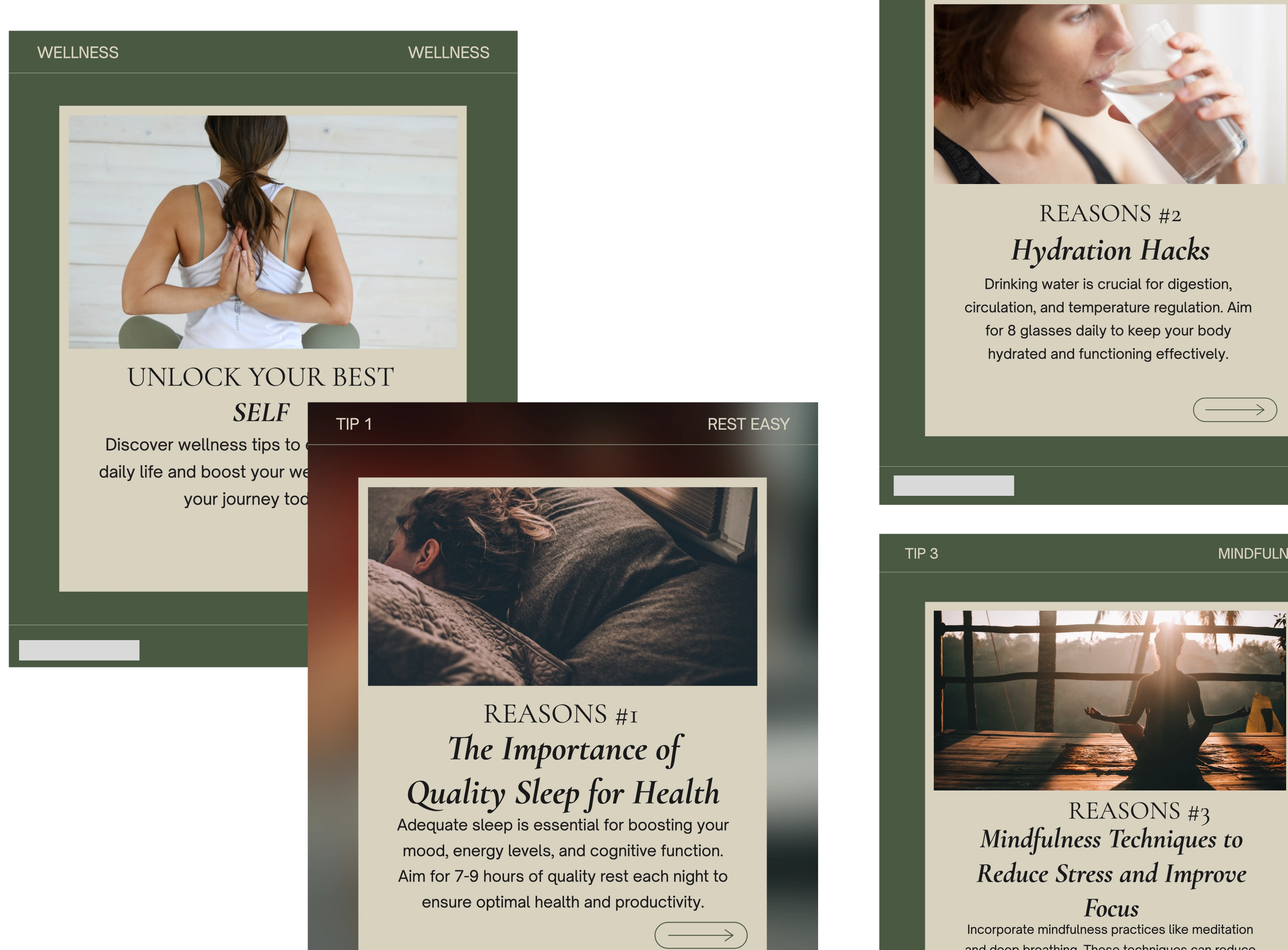
Why Choose InfoBlog's AI Carousel Maker?
The Traditional Way

Hours of Manual Labor
Staring at blank slides, struggling to format text, and manually aligning tiny boxes over and over.
Endless Asset Hunting
Wasting time searching the web for the perfect icons, stock photos, and brand colors.
The InfoBlog Way
AI-Powered Narrative
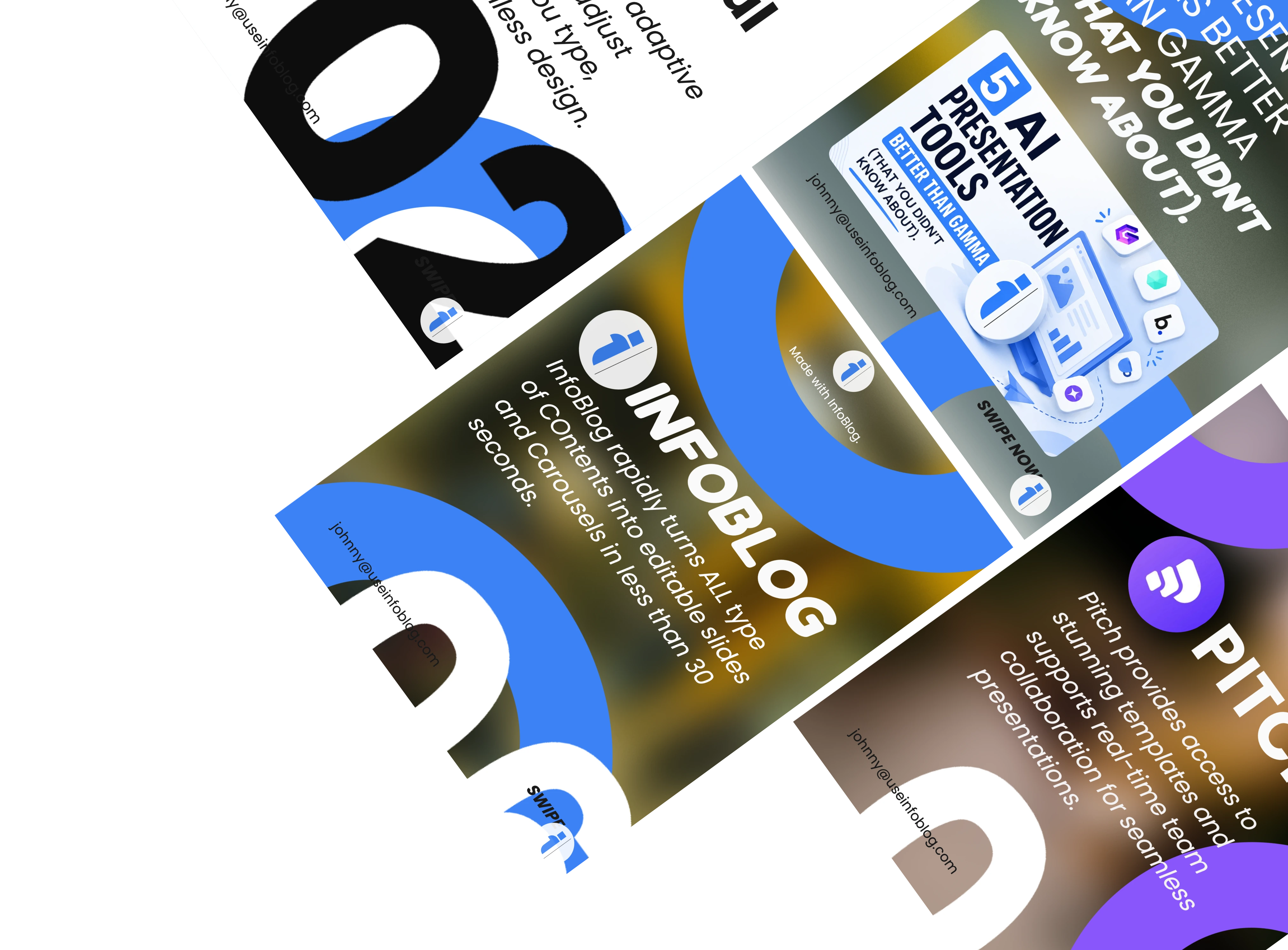
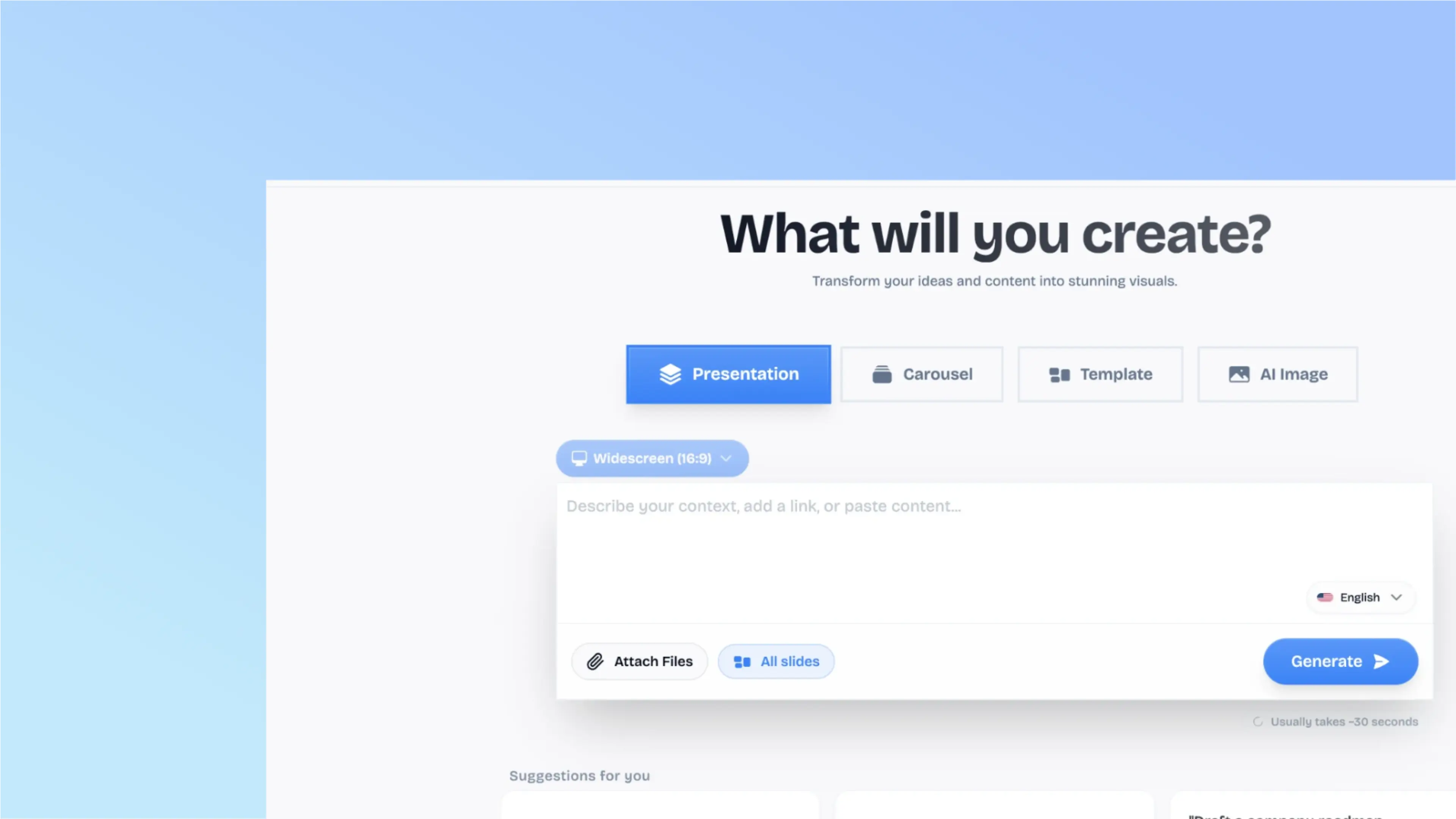
Just paste your raw text, blog post, or report. AI instantly extracts and structures the core story.
Instant Pro Design
Get a beautifully formatted, professionally designed carousel generated in exactly 60 seconds.
Ready to Publish
Export directly to high-res formats optimized for LinkedIn and Instagram to post instantly.
Brand Kit Integration
Your colors, fonts, and logos are automatically applied to every slide. Always stay on brand effortlessly.
Platform-Optimized
Auto-sized for LinkedIn (1:1, 4:5), Instagram (1:1, 9:16), and Twitter. No manual resizing needed.
Endless Customization
Full drag-and-drop editor allows you to quickly swap templates, replace assets, and perfect every detail.

Less formatting. More publishing.
InfoBlog removes the manual design work so you can spend time on what actually matters—your message.
Blog to Carousel in 3 Steps
No more staring at blank slides. Let AI do the heavy lifting.
Paste your content
Drop in a blog URL, paste an article, or upload a PDF. InfoBlog's AI reads and understands your full content.
AI structures your carousel
The engine extracts key points, creates a narrative arc across slides, and applies the right template and visual hierarchy.
Customize and publish
Fine-tune with the drag-and-drop editor. Swap templates, adjust copy, apply brand kit. Export and post.
01 — Speed
60-Second
Carousels
This is the start of something new
Managing a small business today is already tough. Avoid further complications by ditching outdated, tedious trade methods. Our goal is to streamline SMB trade, making it easier and faster than ever.
02 — Optimization
Platform
Optimized

Built-in Speaker Notes
Access your AI-generated talking points directly alongside your slides.
Slide Navigation
Seamlessly transition between slides with a distraction-free presenter interface.
Fullscreen Delivery
Present directly from InfoBlog in beautiful fullscreen. No PowerPoint needed.
03 — Identity
Brand Kit
Integration
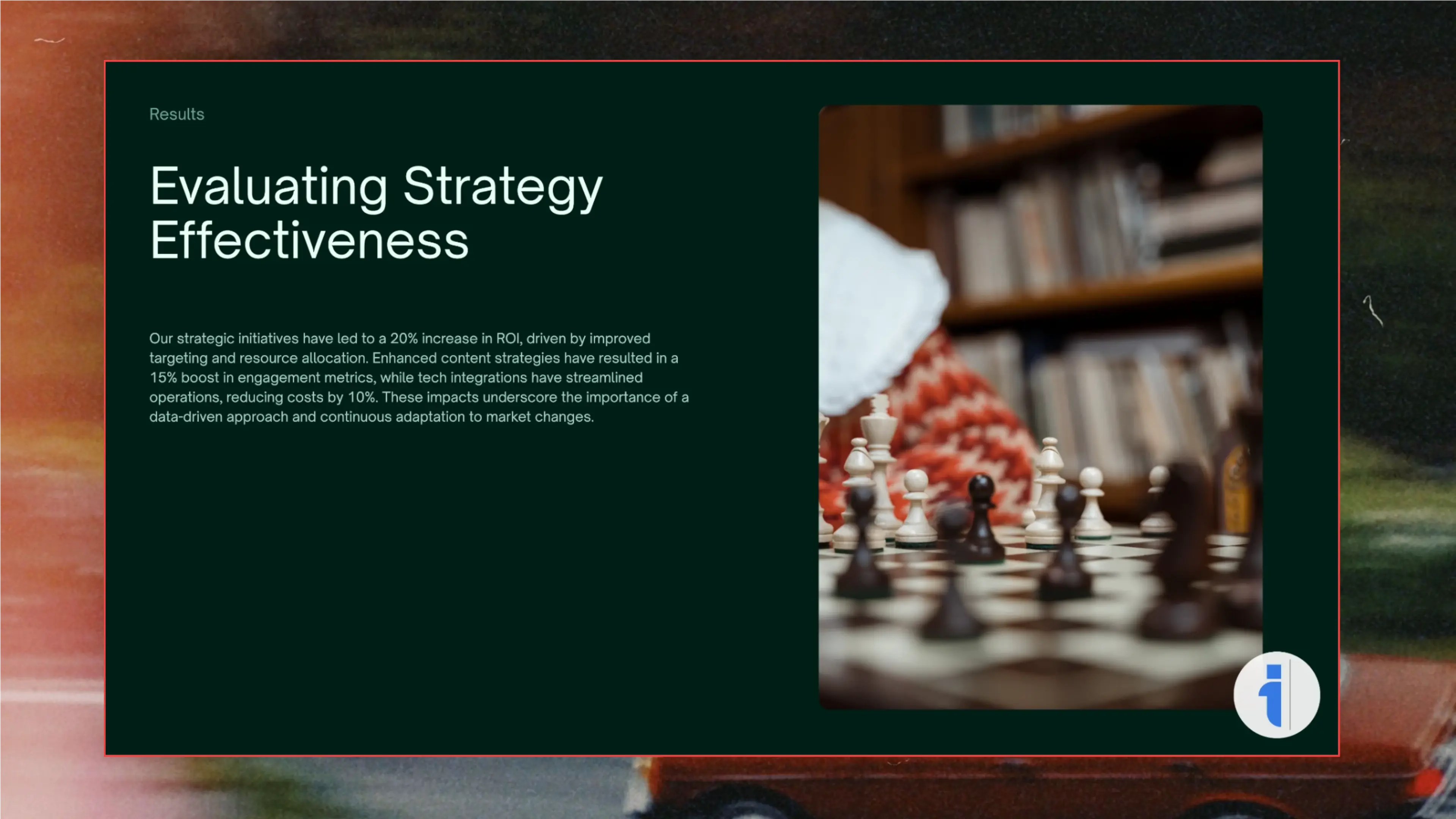
Every Post On Brand
Apply your logo, colors, and fonts across all slides in one click. Every carousel matches your brand identity automatically. No more rogue fonts or off-brand colors.
04 — Design
hundreds of
Templates
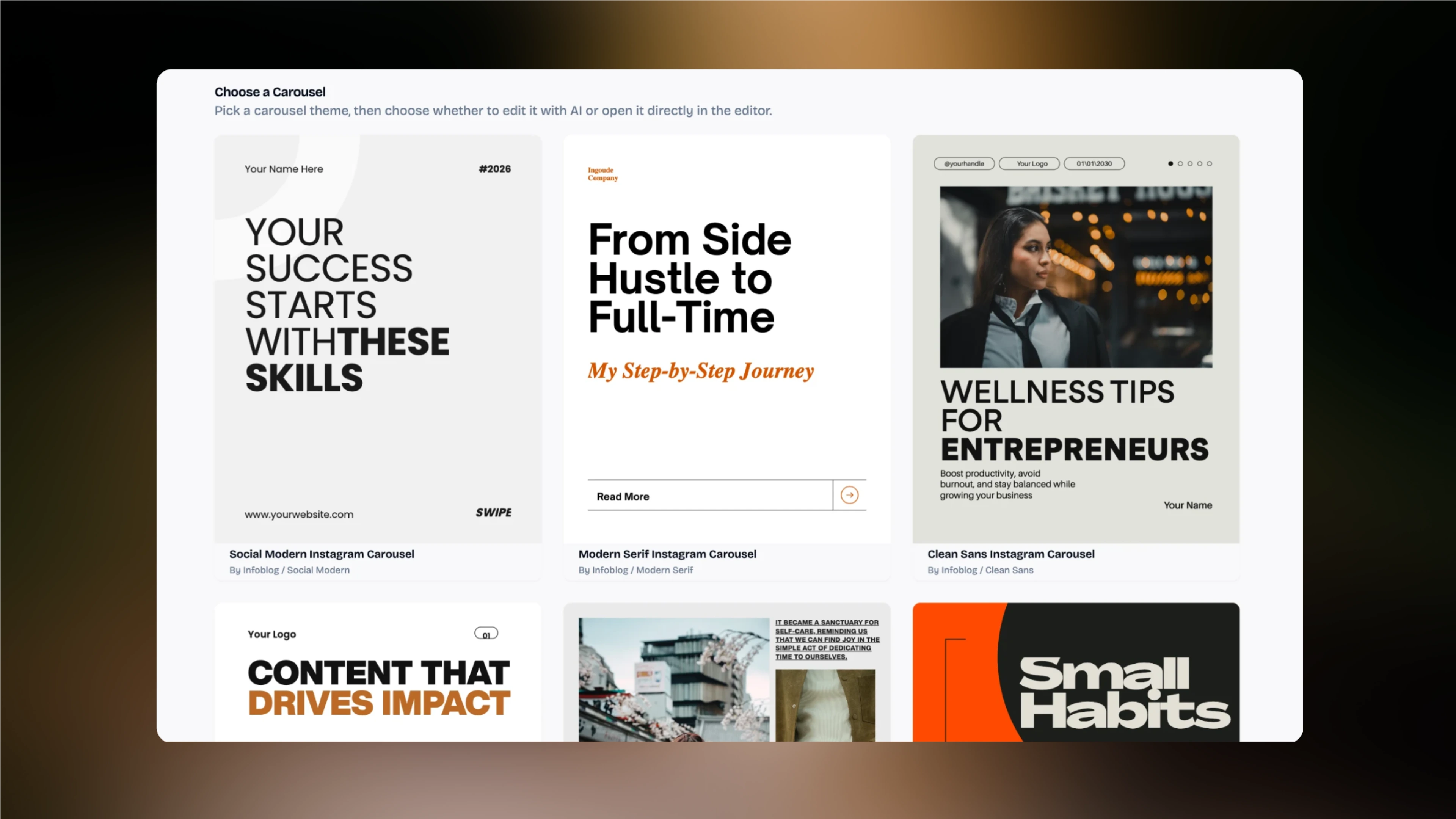
Professionally designed templates — educational, listicle, step-by-step, comparison, and more.
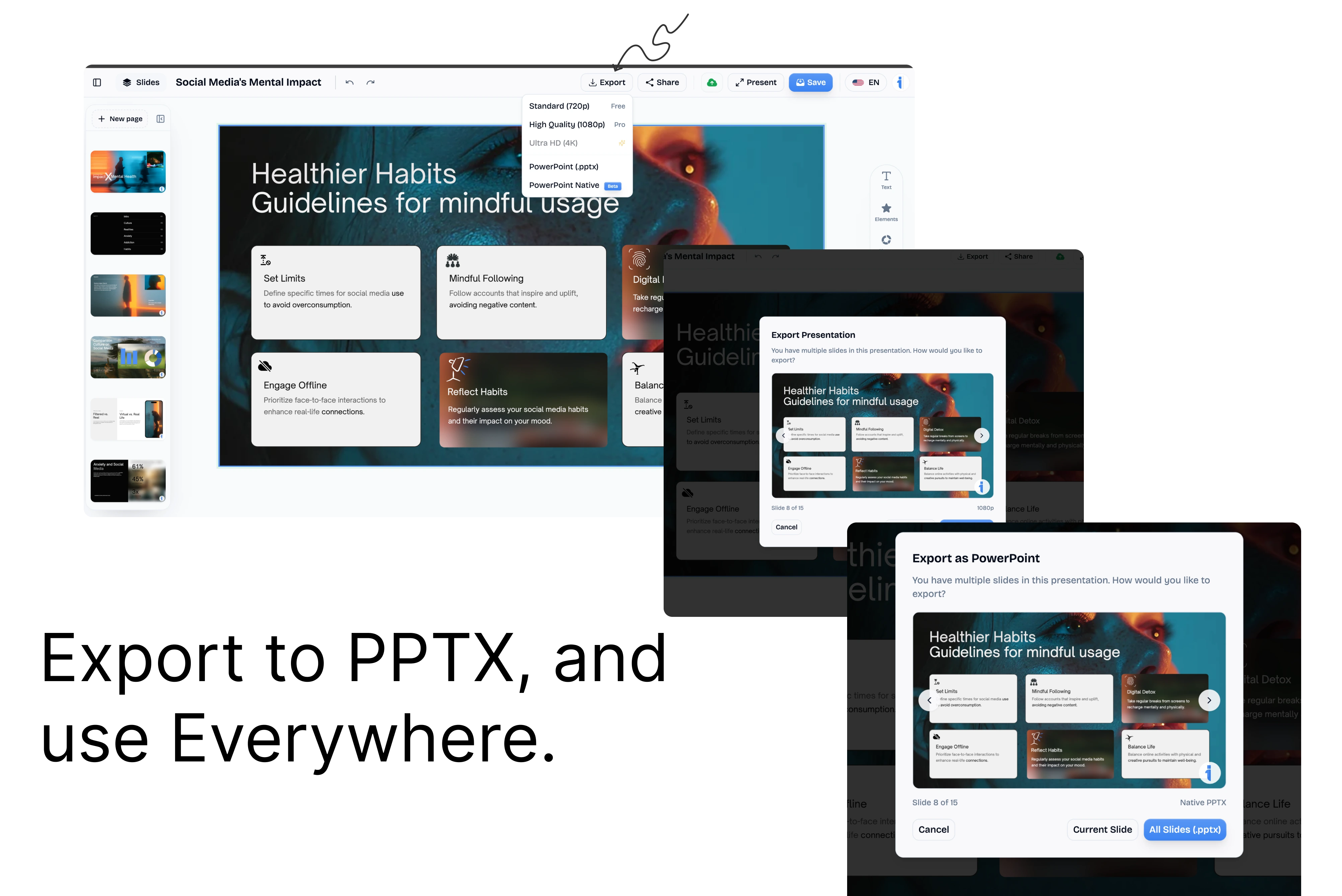
05 — Export
Export
Anywhere
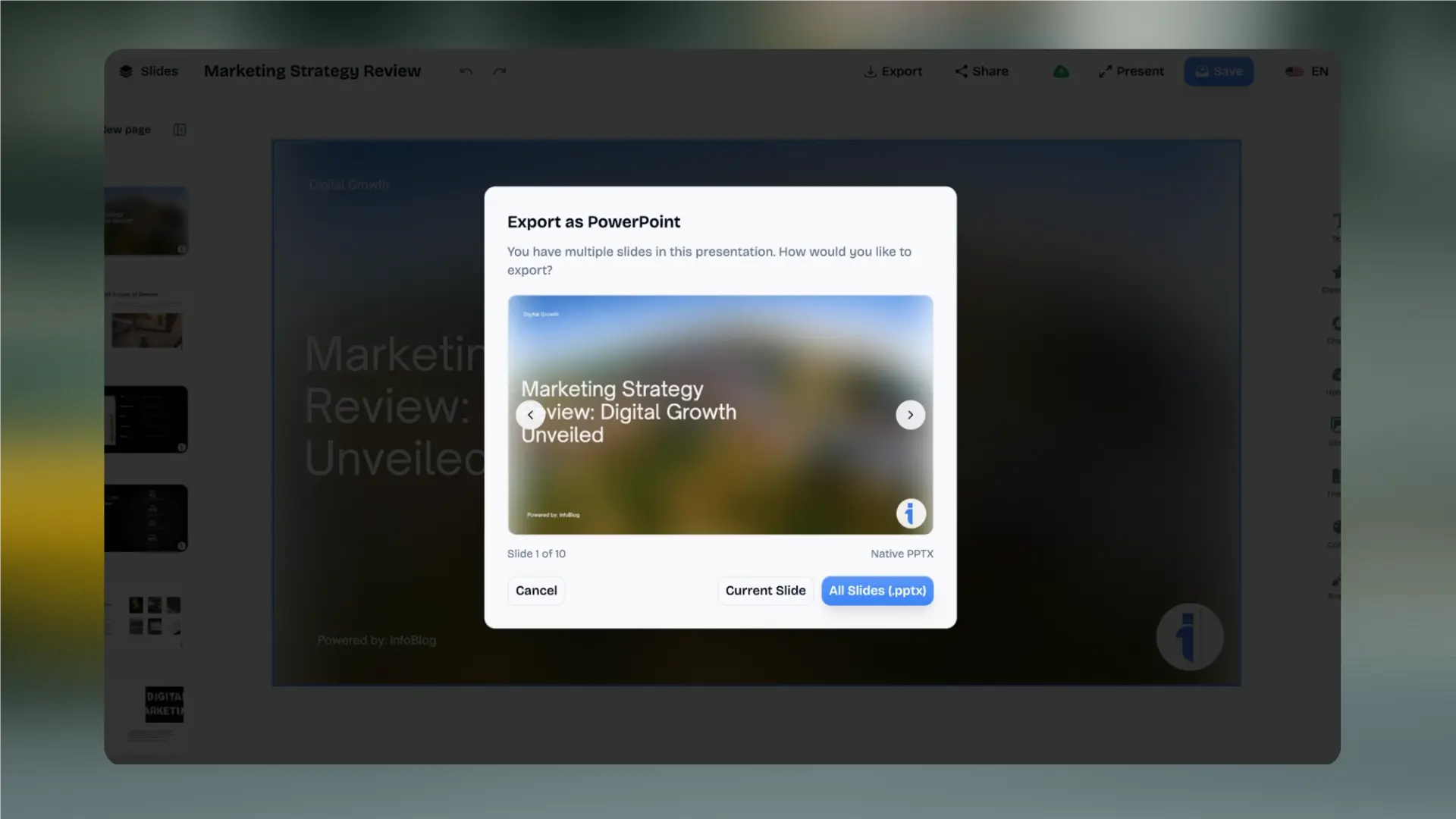
Ready for Socials
Download as high-res PNGs, ZIP archives, or PDF. Share directly to LinkedIn, Instagram, and X without quality loss.
06 — Global
130+
Languages
Generate carousels in any language. AI handles localization and cultural context for global audiences perfectly.
Built for Every Presentation Need
Whether you're raising capital, closing a deal, or educating a classroom, InfoBlog instantly structures your content to match your audience.
Startup Pitch Decks
Turn your business plan or investor brief into a polished pitch deck. AI structures the narrative for maximum impact.
Sales Presentations
Convert product docs, case studies, and sales briefs into client-facing decks that close deals.
Quarterly Reviews
Transform reports and data summaries into visual QBR presentations your leadership team will actually read.
Educational Lectures
Turn course materials, textbook chapters, and lesson plans into engaging slide-by-slide presentations.
Conference Talks
Convert your blog posts and thought leadership articles into polished conference presentations.
Internal Briefings
Turn meeting notes, project updates, and strategy docs into concise team briefings.
Carousel Maker FAQ
What is an AI carousel maker?+
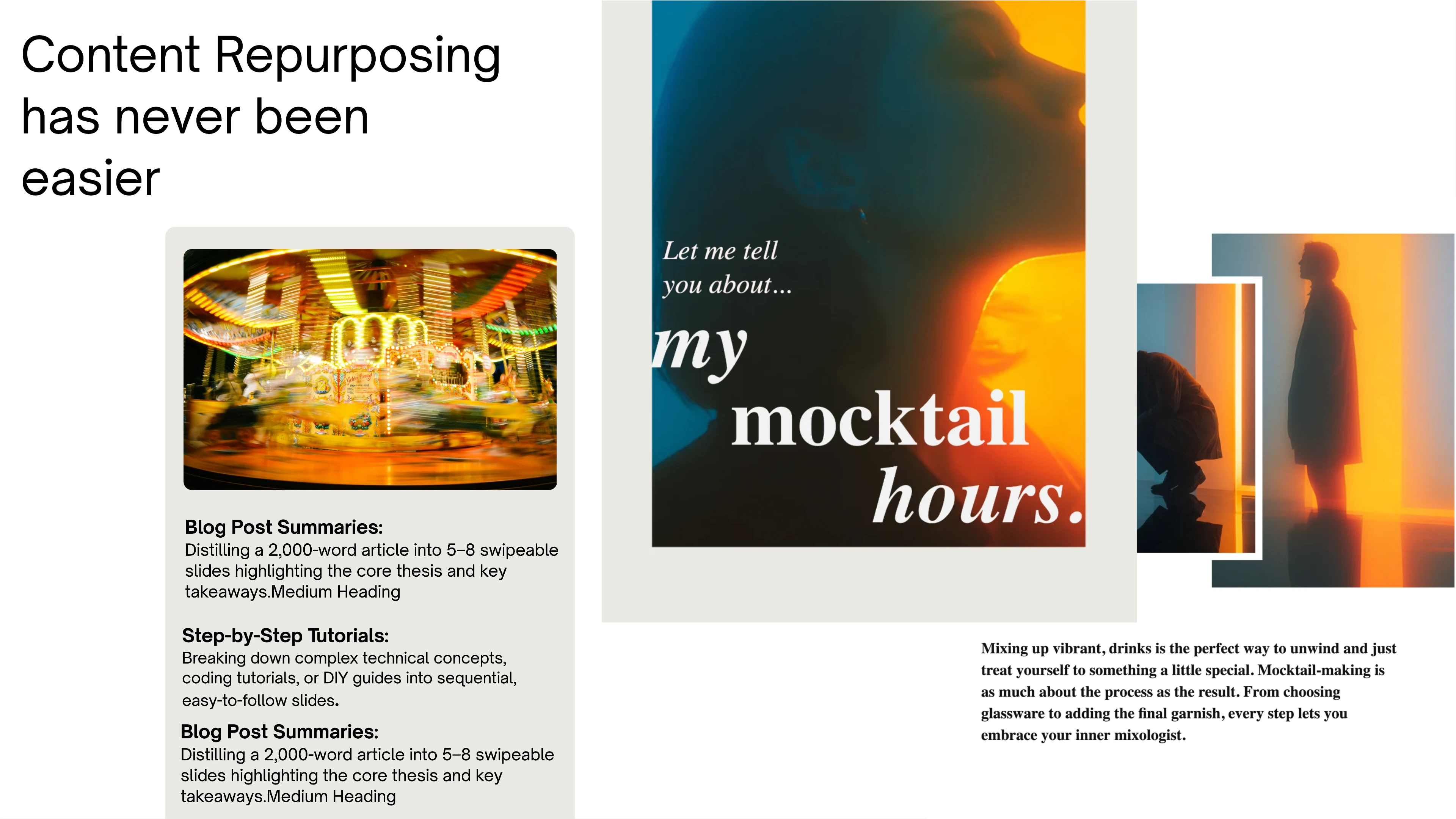
An AI carousel maker is a tool that automatically converts your written content — blog posts, articles, reports, or raw ideas — into multi-slide social media carousels. InfoBlog's AI reads your content, extracts key points, structures the narrative across slides, and applies professional designs automatically.
What sizes does InfoBlog support for carousels?+
InfoBlog supports all major social media carousel formats: Square (1:1) for Instagram and LinkedIn, Portrait (4:5) for LinkedIn feed optimization, Widescreen (16:9) for presentations, and Story format (9:16) for Instagram Stories and Reels covers.
Can I use my own brand colors and logo?+
Yes. Pro and Agency users can save brand kits with custom colors, logos, and fonts. The AI automatically applies your branding to every carousel you generate — no manual adjustment needed.
How is InfoBlog different from Canva for making carousels?+
With Canva, you start from a blank slide and design each one manually. With InfoBlog, you paste your content and the AI generates the entire carousel — narrative structure, slide breakdown, copy, and design — in 60 seconds. You customize after, not before.
Can I edit the AI-generated carousels?+
Absolutely. After generation, you get full drag-and-drop editor access to tweak text, swap templates, change colors, add icons, and fine-tune every slide to match your vision.
What content can I turn into carousels?+
Any written content: blog URLs, long-form articles, PDFs, DOCX files, or even raw text and bullet points. InfoBlog's AI handles the summarization and visual structuring.