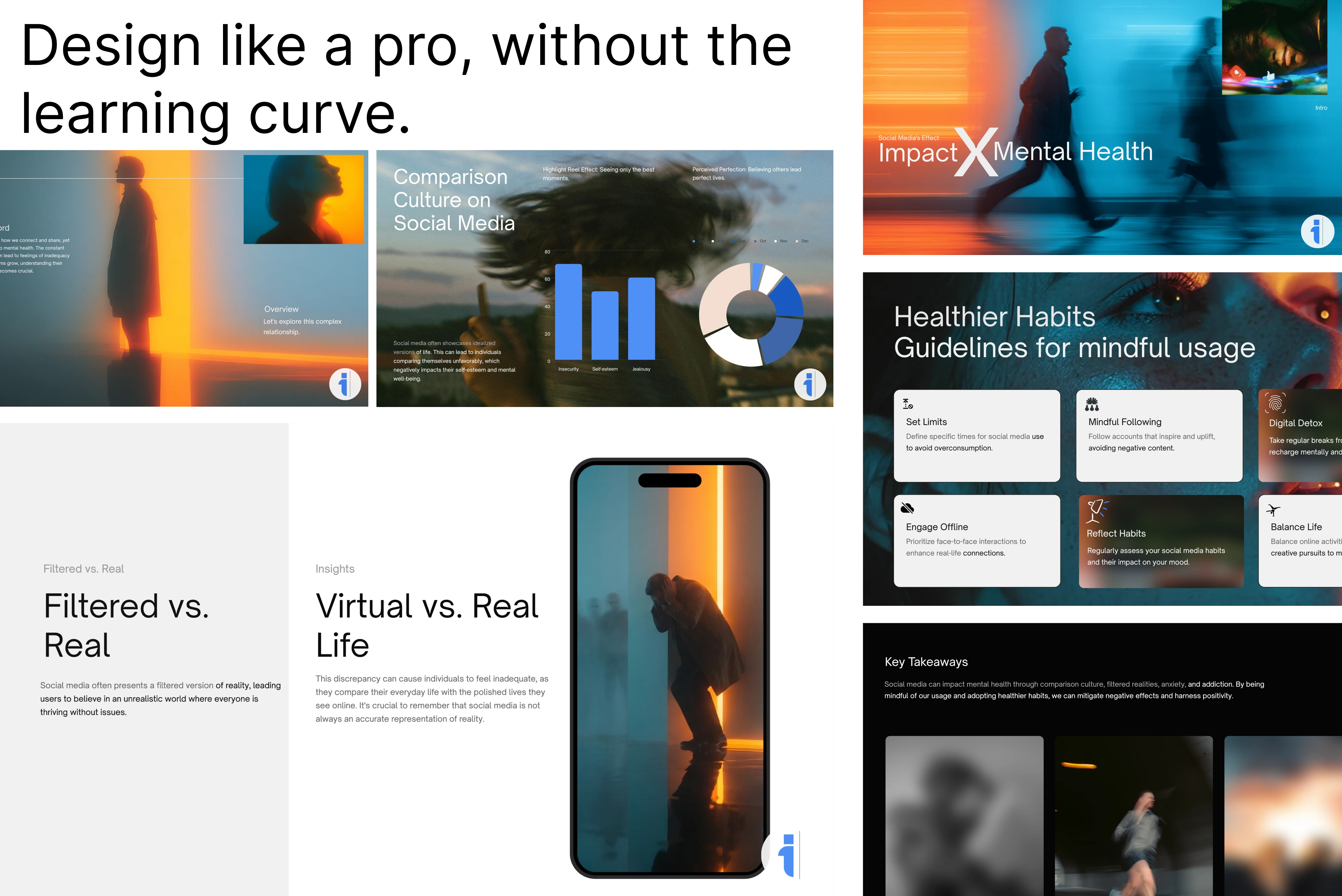
Convert PowerPoint to Website Instantly
Turn any slide deck into a beautiful web page. Convert PowerPoint to website to easily share your ideas online without requiring users to download files.


Drag & drop your file here
or click to browse
AI PowerPoint GeneratorNeed a presentation without starting from scratch?
Instead of staring at a blank slide for hours, let our AI generate a full, beautifully formatted PowerPoint deck for you in seconds.
How to convert PowerPoint to Website in 3 steps
Three simple steps to get your result instantly.
Upload Document
Upload your PowerPoint (.ppt or .pptx) file. Processed locally in your browser for 100% privacy.
Convert
The converter prepares the Website export. Our engine instantly analyzes and optimizes your document.
Download Result
Download the converted file. Get your results instantly with no watermarks.
How to convert PowerPoint to Website

PowerPoint files are excellent for editing, but they are not always the best format for sharing, archiving, publishing, or importing into another workflow. This free convert powerpoint to website tool helps you turn an existing presentation into Website without rebuilding the deck slide by slide.
Upload your presentation, let the converter prepare the export, and download a cleaner format for online portfolios, landing pages, and sharing slides as interactive web pages. It is useful when you need a fast format change for client delivery, content repurposing, web publishing, documentation, or compatibility with older presentation software.
Top Use Cases for our PowerPoint to Website converter
Client Delivery
Export a presentation into Website when the recipient does not need the editable PowerPoint source file.
Content Repurposing
Turn a deck into assets that can be reused in blog posts, documentation, social posts, or internal knowledge bases.
Format Compatibility
Create a different presentation or document format when a team, LMS, CMS, or older app requires it.
Who is our PowerPoint to Website converter for?
Convert finished PowerPoint decks into Website for faster handoff, publishing, or reuse.
Processing Engine Stats
High-fidelity conversion at scale
Our highly optimized convert engine processes your presentations locally or through secure edge nodes. Enjoy perfect accuracy without compromising on speed or privacy.
<10s
Avg. processing time
96%
Layout accuracy
562+
Pages supported
26K+
Files processed
See why users choose us to convert PowerPoint to Website
 InfoBlog
Why use our PowerPoint to Website converter?
Fast PowerPoint format conversion
Preserves slide structure and visual content where supported
Works directly from your browser
Files are automatically deleted after processing.

No design rebuild required
No hidden subscriptions
Free to use
Start processing your files immediately. We've removed all friction so you can get your work done faster.
Universal Access
Works beautifully on any device or operating system.
Frequently Asked Questions about Convert PowerPoint to Website
Can I convert large presentations to Website?
Yes. You can upload presentations up to 200 MB, though very large decks may take longer to process.
Will the converted file look exactly like my PowerPoint?
The converter is designed to preserve layout, images, and slide structure as closely as the target format allows. Some interactive features, animations, or transitions may be flattened during export.
Is Convert PowerPoint to Website secure to use?
Yes, absolutely. We prioritize your privacy and security. Any files uploaded for processing are automatically and permanently deleted from our servers shortly after your session ends. We do not store, share, or analyze your personal documents.
Do I need to download or install any software to use this tool?
No, Convert PowerPoint to Website is entirely cloud-based. You can access and use all of its features directly from your web browser on any device, without needing to install complicated software or browser extensions.
Can I use Convert PowerPoint to Website on my mobile phone or tablet?
Yes! Our platform is fully responsive and optimized for mobile devices. Whether you are on an iPhone, iPad, or Android device, you can use the tool seamlessly on the go.
Is there a limit on the file size I can upload?
Currently, we support processing files up to 200MB in size. This accommodates the vast majority of standard presentations and documents. If your file is larger, we recommend compressing it before using the tool.